Guided provides the ability to remove a building plot owner / resident if you need to remove access or have assigned a plot to the wrong person.
Once the plot owner has been removed; you can then follow the 'Assign Building Plot Owner' guide to grant access and handover the plot to a new owner / resident.
Follow this guide to remove a homeowner / resident.
Pre-requisites:
- You have created a project and plot on Guided
- You have assigned a plot to a homeowner.
Steps
- Login to Guided Web Portal as an administrator.
- Select Developments from the left-hand menu.
- Select Plots under the sub-menu.
- Search for and select the Building / Plot you wish to remove the homeowner
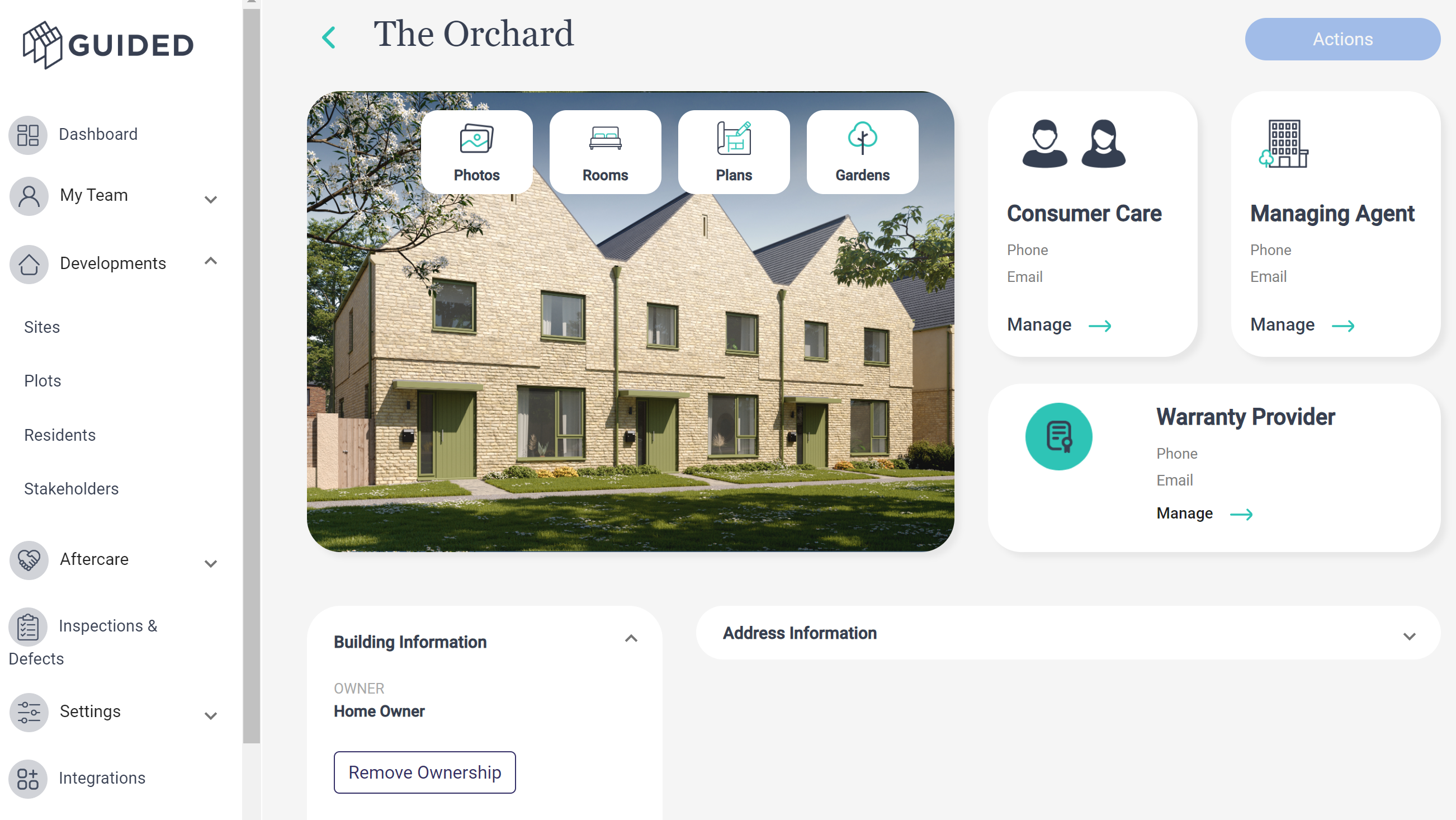
- Expand the Building Information tab
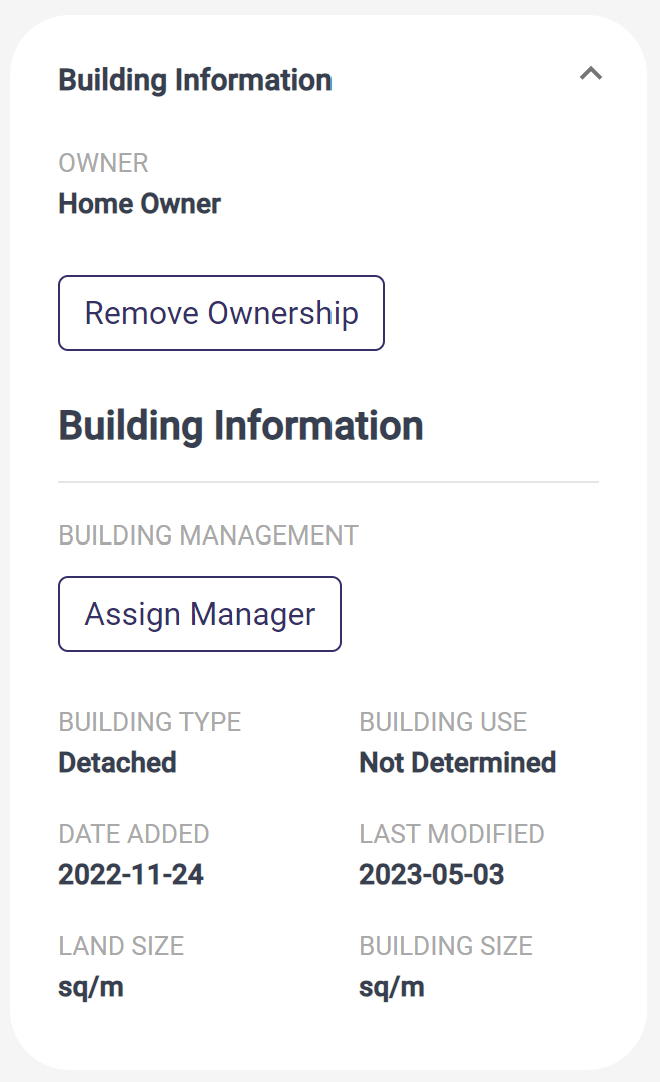
- Click the Remove Ownership button and the Owner will no longer be able to access the plot
Was this article helpful?
That’s Great!
Thank you for your feedback
Sorry! We couldn't be helpful
Thank you for your feedback
Feedback sent
We appreciate your effort and will try to fix the article