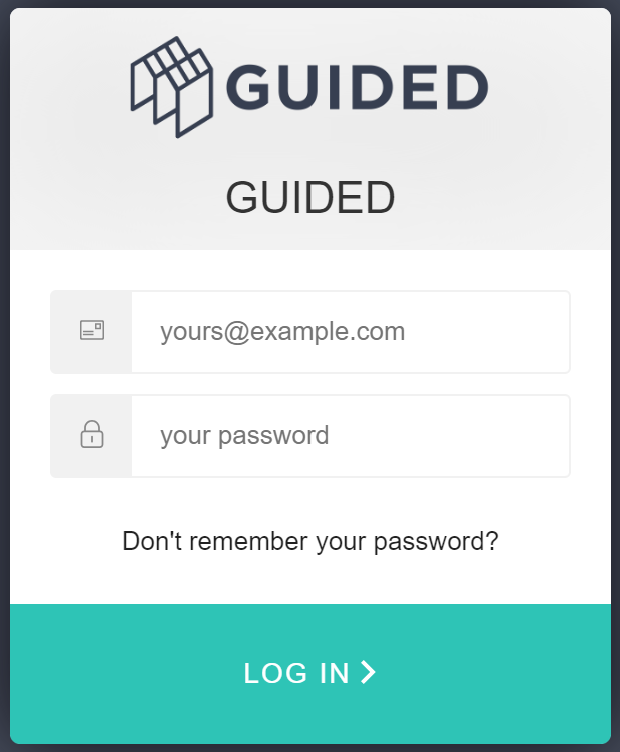
Resident's can reset their password themselves via the Guided Web Portal login page by clicking on the 'Don't remember your password?'
Guided also provides the ability for Administrators to trigger password reset emails to be sent to the resident.
Upon receiving the password reset email, the resident can follow the instructions to reset their password. They can then login with their new password.
Follow this guide to trigger a password reset for a building plot owner.
Pre-requisites:
- You have created a project and plot on Guided
- You have assigned a plot to an owner
Steps
- Login to Guided Web Portal as an administrator.
- Select Sales from the left-hand menu.
- Select the Customer sub-menu.
- Locate the row for the plot homeowner you want and click on the 'Reset Password', which triggers the password reset email to be sent. You can now inform the resident to check their inbox and follow the instructions to reset their password and login again.

Was this article helpful?
That’s Great!
Thank you for your feedback
Sorry! We couldn't be helpful
Thank you for your feedback
Feedback sent
We appreciate your effort and will try to fix the article